How to install templates?
1. Download the template.
2. Unzip the templates in the Quick 'n Easy Web Builder template folder.
/Library/Application Support/Quick ‘n Easy Web Builder/templates/
(Mac)
or
/Documents/Quick 'n Easy Web Builder/templates/
(Windows/Linux)
Templates have the file extension .qwbt
To add a new category to the template selection window, so you can organize your templates, simply create a new folder and put the template files in this folder. The name of the folder will then be displayed in the Category dropdown list.
Note: To create a new page from a template select File->New Web Site From Template.
You can also use the 'Install' button in this window to install the templates...
1. Download the template.
2. Unzip the templates in the Quick 'n Easy Web Builder template folder.
/Library/Application Support/Quick ‘n Easy Web Builder/templates/
(Mac)
or
/Documents/Quick 'n Easy Web Builder/templates/
(Windows/Linux)
Templates have the file extension .qwbt
To add a new category to the template selection window, so you can organize your templates, simply create a new folder and put the template files in this folder. The name of the folder will then be displayed in the Category dropdown list.
Note: To create a new page from a template select File->New Web Site From Template.
You can also use the 'Install' button in this window to install the templates...
TEMPLATES
Important information about the usage of templates and images:
Some images used in the templates are subject to copyright and they are intended for clarity and for purposes presentation only.
The use, modification, disclosure and publication of this material, of any kind, is expressly prohibited.
If you want to use a template for your own website then you should replace the example images (like people, buildings, dogs, flowers etc) with your own images. More details (MUST READ): https://quickandeasywebbuilder.com/forum/viewtopic.php?f=10&t=15598
Also, note that the (free) templates are provided "AS IS" as an extra service, they are not part of the application. In most cases these are just random ideas to demonstrate QWB features or examples how to implement specific functionality requested by users.
These are not complete, fully functional websites and some work may need to be done to make the ready for 'production'.
You will need the latest version of the software to open these templates.
Some images used in the templates are subject to copyright and they are intended for clarity and for purposes presentation only.
The use, modification, disclosure and publication of this material, of any kind, is expressly prohibited.
If you want to use a template for your own website then you should replace the example images (like people, buildings, dogs, flowers etc) with your own images. More details (MUST READ): https://quickandeasywebbuilder.com/forum/viewtopic.php?f=10&t=15598
Also, note that the (free) templates are provided "AS IS" as an extra service, they are not part of the application. In most cases these are just random ideas to demonstrate QWB features or examples how to implement specific functionality requested by users.
These are not complete, fully functional websites and some work may need to be done to make the ready for 'production'.
You will need the latest version of the software to open these templates.
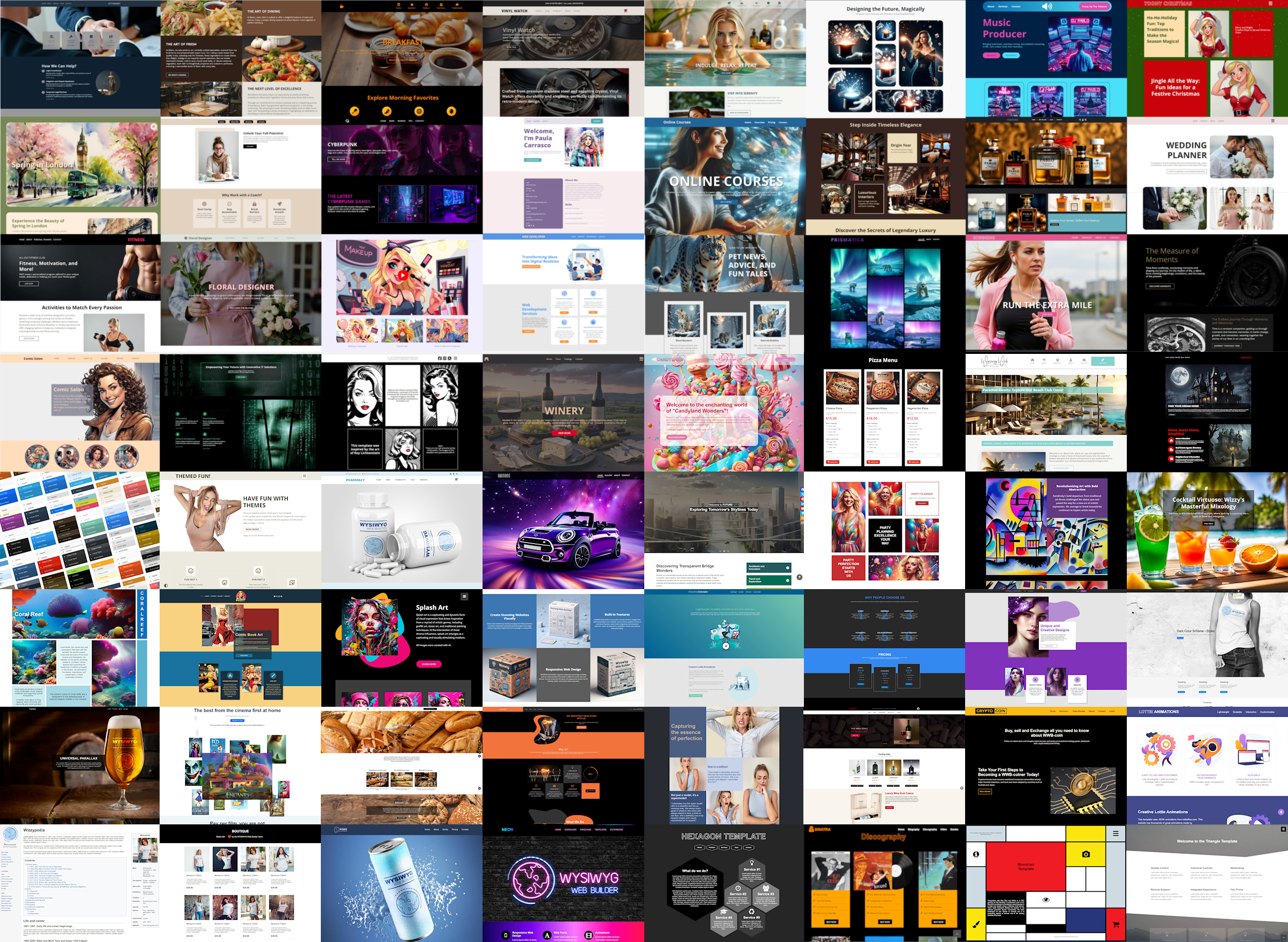
Templates
Start building your new website with a pre-built template. Choose from over 125 templates available on our platform, with even more options accessible through third-party websites



